How do I push deal data from my CRM into an e-signature request automatically?
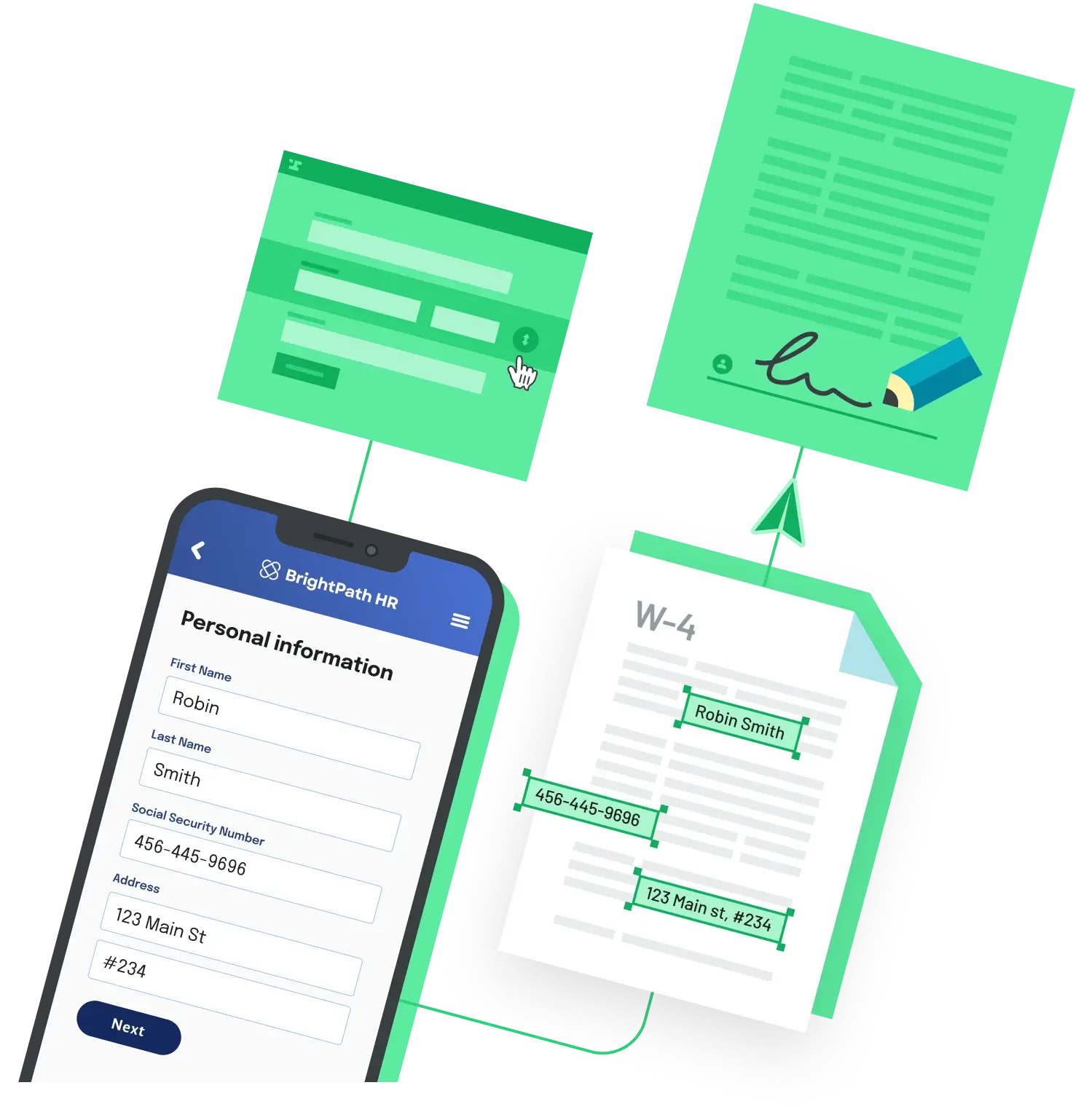
Trigger a document from a CRM event, such as a deal moving to a new stage, map the record's fields into the document, send it for signature, and write the signed file and status back to the record.
CRMs like Salesforce, HubSpot, and Pipedrive are great at storing customer data, but filling that data into PDFs, routing documents to signers, and filing the completed copy on the right record is a separate job. That gap between data in the CRM and a signed contract on file is where teams lose time. The four approaches below differ mainly in where the mapping and routing logic lives.
Should I use my CRM's built-in e-signature feature?
Yes, if your process lives entirely in one CRM and your documents are simple.
HubSpot, for example, lets you add e-signatures to quotes, powered by Dropbox Sign. It requires a Revenue Hub Professional or Enterprise subscription and comes with a pooled monthly e-signature limit based on your seats. Salesforce users can choose from document generation and e-signature apps on the AppExchange. These options keep the workflow inside the CRM and sync back to the record. They're less of a fit when you need custom field mapping, complex routing, or documents beyond quotes and standard contracts.
When does an all-in-one document platform make sense?
When a sales-led team wants proposals, quotes, contracts, and signatures in one tool with a native CRM connection.
PandaDoc, for example, combines document creation, quotes, e-signatures, and payment collection, and offers native integrations with Salesforce, HubSpot, and Pipedrive that pull CRM data into documents. The trade-off is pricing that typically scales with users or volume, and customization that lives inside the vendor's template system rather than your own app.
Can I connect an e-signature tool to my CRM with Zapier or Make instead?
Yes. It's a common low-cost setup for small teams, but it gets harder to maintain as volume grows.
A trigger in the CRM kicks off the automation, which generates the document, sends it for signature, and writes the result back to the record. The downside shows up at volume: each hop is a separate integration, and debugging a broken automation step is harder than reading one application log.
When should I use an API-first document platform instead?
When documents are part of your product, or your operations team has engineering support and needs control the packaged tools don't give you.
Building the workflow over an API is the most flexible path: you control branding, field mapping, and where data lives, and you can embed signing directly in your app instead of sending users to a vendor's site. It's heavier on engineering up front, and it pays off when documents are a recurring part of the user experience and you need things like white-labeled signing, multi-party workflows, or domain-specific logic.
How do I choose the right CRM e-signature setup?
Start with where the work actually lives. If your team only ever opens the CRM, stay inside it with a native feature or add-on. If you produce dozens of proposals a week and just need them out the door, an all-in-one platform is the path of least resistance. If you have a developer or two and the document workflow is part of what you ship to customers, an API-first platform usually pays back the build cost.
Where Anvil fits
Anvil is an API-first document automation platform covering PDF filling and generation, multi-party Workflows, and Etch e-signatures. You connect it to a CRM the same way you connect any other backend service, through its API. There's a free plan for the dashboard (API access needs a card on file or a paid plan), and for e-sign packets sent via API, Anvil charges only when a packet is completed. It's the right fit when documents are part of your product and off-the-shelf options leave you fighting their template system.
Back to All Questions